

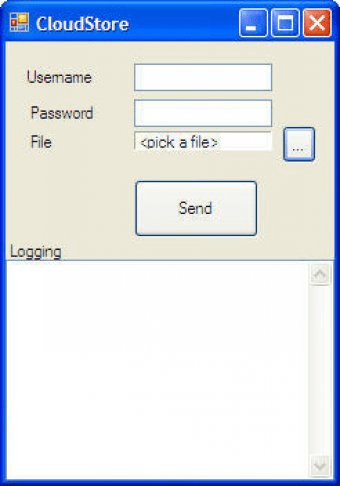
CloudStore is a tool that enables users to access their Gmail mailbox using IMAP4. To enable this, users must go to the Gmail Settings page, then to the Forwarding and POP/IMAP tab, and enable IMAP Access. If the options are not visible, users may need to switch their mailbox language to English (US).
First you need to enable IMAP4 support on your GMail mailbox. To do this go to the GMail "Settings" page, then to the "Forwarding and POP/IMAP" tab. There you can enable IMAP Access. If you can’t see these options, it might help to switch your mailbox language to English (US). (The option was missing in the Dutch version of GMail but appeared as soon as I selected English)



Comments